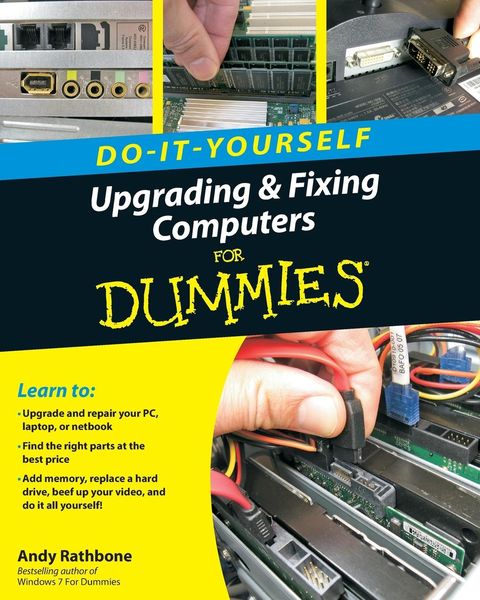
Upgrading and Fixing Computers Do-it-Yourself For Dummies
-
- Taschenbuch ausgewählt
- eBook
-
Sprache:Englisch
23,99 €
inkl. gesetzl. MwSt.,
Beschreibung
Produktdetails
Einband
Taschenbuch
Erscheinungsdatum
22.09.2010
Verlag
John Wiley & SonsSeitenzahl
384
Maße (L/B/H)
25,4/20,3/1,8 cm
Gewicht
735 g
Auflage
1. Auflage
Sprache
Englisch
ISBN
978-0-470-55743-3
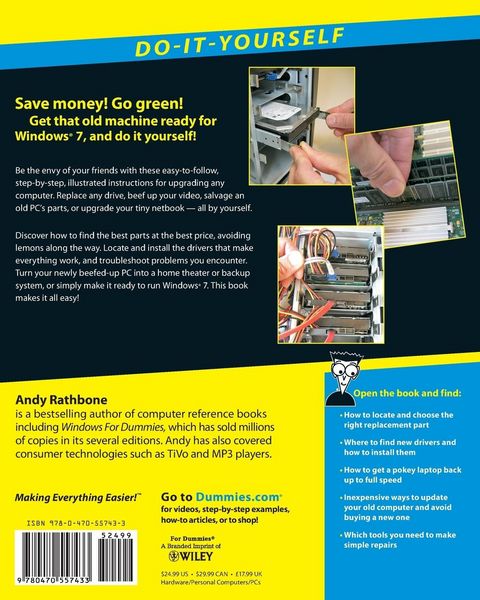
Whether you want to prepare your computer for Windows 7, avoid investing in a new one, or just "go green", this fully illustrated guide has what you need. You'll learn how to add printers and new keyboards, boost your PC's performance and increase memory, improve power consumption, rev up your multimedia capacity, and much more. Step-by-step instructions are accompanied by photos that show you exactly what you should see at every stage.
* Learn to perform basic upgrades and prepare your PC for high-speed Internet connections, network connections, and added security, all with fully illustrated instructions
* Find out how to expand memory, enhance speed, and update your computer's power supply
* Prepare an old computer for Windows 7 and beef up your capacity for multimedia
Upgrading & Fixing Computers Do-It-Yourself For Dummies is a show-and-tell course in making your PC happy, healthy, and green.
Ein neues Kapitel für Ihre Bücher
Ein neues Kapitel für Ihre Bücher
Schenken Sie Ihren alten Schätzen ein zweites Leben: Einfach Barcode scannen, Versandetikett ausdrucken, Bücher verschicken und Thalia Geschenkkarte erhalten.
Jetzt verkaufenNoch keine Bewertungen vorhanden
Verfassen Sie die erste Bewertung zu diesem Artikel
Helfen Sie anderen Kundinnen und Kunden durch Ihre Meinung.
Kurze Frage zu unserer Seite
Vielen Dank für Ihr Feedback
Wir nutzen Ihr Feedback, um unsere Produktseiten zu verbessern. Bitte haben Sie Verständnis, dass wir Ihnen keine Rückmeldung geben können. Falls Sie Kontakt mit uns aufnehmen möchten, können Sie sich aber gerne an unseren Kund*innenservice wenden.
zum Kundenservice