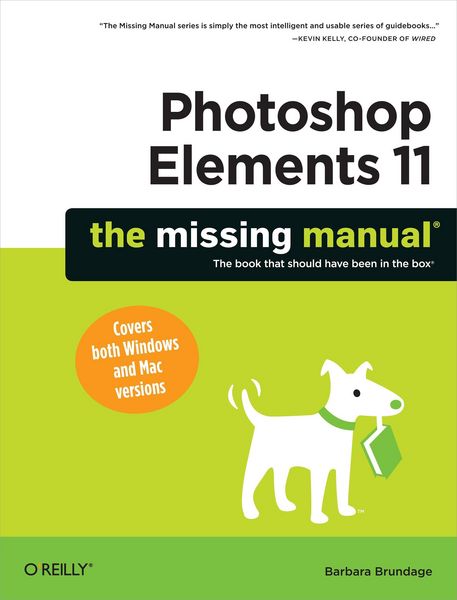
Beschreibung
Produktdetails
Einband
Taschenbuch
Erscheinungsdatum
30.10.2012
Abbildungen
w. ill (chiefly col.)
Verlag
O'Reilly MediaSeitenzahl
656
Maße (L/B/H)
23,9/18,2/3 cm
Gewicht
1216 g
Sprache
Englisch
ISBN
978-1-4493-1613-6
Whether you re a photographer, scrapbooker, or aspiring graphic artist, Photoshop Elements is an ideal image-editing tool once you know your way around. This bestselling book removes the guesswork. With candid, jargon-free advice and step-by-step guidance, you ll get the most out of Elements for everything from sharing and touching-up photos to fun print and online projects.
The important stuff you need to know:
Get to work right away. Import, organize, and make quick fixes with ease.
Retouch any image. Repair and restore old and damaged photos.
Add pizzazz. Use dozens of filters, layer styles, and special effects.
Share photos. Create online albums, email-ready slideshows, and web-ready files.
Find your artistic flair. Use tools to draw, paint, work with blend modes, and more.
Use your words. Make text flow along a curved path or around an object or shape.
Unleash your creativity. Design photo books, greeting cards, calendars, and collages.
Make yourself comfortable. Customize Elements to fit your working style.
The important stuff you need to know:
Get to work right away. Import, organize, and make quick fixes with ease.
Retouch any image. Repair and restore old and damaged photos.
Add pizzazz. Use dozens of filters, layer styles, and special effects.
Share photos. Create online albums, email-ready slideshows, and web-ready files.
Find your artistic flair. Use tools to draw, paint, work with blend modes, and more.
Use your words. Make text flow along a curved path or around an object or shape.
Unleash your creativity. Design photo books, greeting cards, calendars, and collages.
Make yourself comfortable. Customize Elements to fit your working style.
Ein neues Kapitel für Ihre Bücher
Ein neues Kapitel für Ihre Bücher
Schenken Sie Ihren alten Schätzen ein zweites Leben und erhalten dafür eine Thalia Geschenkkarte.
Noch keine Bewertungen vorhanden
Verfassen Sie die erste Bewertung zu diesem Artikel
Helfen Sie anderen Kundinnen und Kunden durch Ihre Meinung.
Kurze Frage zu unserer Seite
Vielen Dank für Ihr Feedback
Wir nutzen Ihr Feedback, um unsere Produktseiten zu verbessern. Bitte haben Sie Verständnis, dass wir Ihnen keine Rückmeldung geben können. Falls Sie Kontakt mit uns aufnehmen möchten, können Sie sich aber gerne an unseren Kund*innenservice wenden.
zum Kundenservice