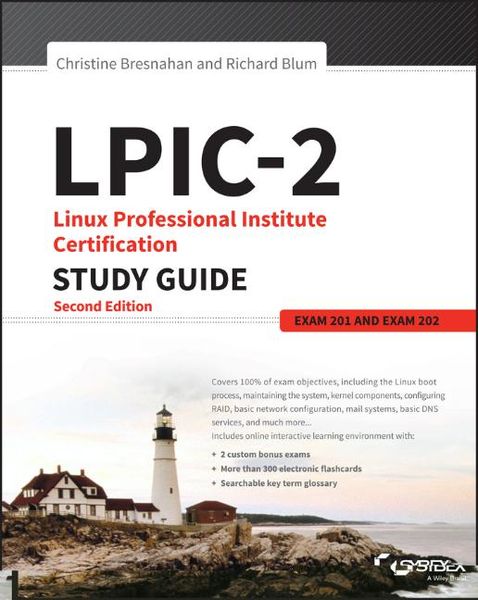
Lpic-2: Linux Professional Institute Certification Study Guide Exam 201 and Exam 202
-
- Taschenbuch ausgewählt
- eBook
-
Sprache:Englisch
71,99 €
inkl. gesetzl. MwSt.,
Beschreibung
Produktdetails
Einband
Taschenbuch
Erscheinungsdatum
17.10.2016
Verlag
John Wiley & Sons IncSeitenzahl
768
Maße (L/B/H)
23,5/19,1/4,1 cm
Gewicht
1410 g
Auflage
2nd edition
Sprache
Englisch
ISBN
978-1-119-15079-4
LPIC-2 is the one-stop preparation resource for the Linux Professional Institute's Advanced Level certification exam. With 100 percent coverage of all exam objectives, this book provides clear and concise coverage of the Linux administration topics you'll need to know for exams 201 and 202. Practical examples highlight the real-world applications of important concepts, and together, the author team provides insights based on almost fifty years in the IT industry. This brand new second edition has been completely revamped to align with the latest versions of the exams, with authoritative coverage of the Linux kernel, system startup, advanced storage, network configuration, system maintenance, web services, security, troubleshooting, and more. You also get access to online learning tools including electronic flashcards, chapter tests, practice exams, and a glossary of critical terms to help you solidify your understanding of upper-level Linux administration topics.
The LPI-level 2 certification confirms your advanced Linux skill set, and the demand for qualified professionals continues to grow. This book gives you the conceptual guidance and hands-on practice you need to pass the exam with flying colors.
* Understand all of the material for both LPIC-2 exams
* Gain insight into real-world applications
* Test your knowledge with chapter tests and practice exams
* Access online study aids for more thorough preparation
Organizations are flocking to the open-source Linux as an excellent, low-cost, secure alternative to expensive operating systems like Microsoft Windows. As the Linux market share continues to climb, organizations are scrambling to find network and server administrators with expert Linux knowledge and highly practical skills. The LPI-level 2 certification makes you the professional they need, and LPIC-2 is your ideal guide to getting there.
Ein neues Kapitel für Ihre Bücher
Ein neues Kapitel für Ihre Bücher
Schenken Sie Ihren alten Schätzen ein zweites Leben und erhalten dafür eine Thalia Geschenkkarte.
Noch keine Bewertungen vorhanden
Verfassen Sie die erste Bewertung zu diesem Artikel
Helfen Sie anderen Kundinnen und Kunden durch Ihre Meinung.
Kurze Frage zu unserer Seite
Vielen Dank für Ihr Feedback
Wir nutzen Ihr Feedback, um unsere Produktseiten zu verbessern. Bitte haben Sie Verständnis, dass wir Ihnen keine Rückmeldung geben können. Falls Sie Kontakt mit uns aufnehmen möchten, können Sie sich aber gerne an unseren Kund*innenservice wenden.
zum Kundenservice