Beschreibung
Produktdetails
Einband
Taschenbuch
Erscheinungsdatum
20.03.2018
Verlag
Pearson Education (US)Seitenzahl
576
Maße (L/B/H)
20,1/25,3/2,5 cm
Gewicht
1322 g
Auflage
3. Auflage
Sprache
Englisch
ISBN
978-0-7897-5979-5
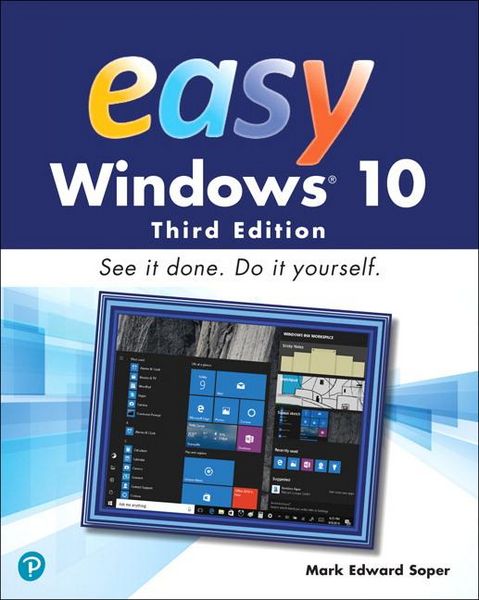
Visual, step-by-step hands-on tutorials for the most common tasks a user needs to perform.
Whether you’re already using Windows 10 or are a Windows newcomer, Easy Windows 10 is the fast and easy way to discover what Microsoft’s latest operating system can do for you.
- Visual step-by-step procedures for what you want to do in Windows 10
- Keyboard shortcuts, mouse and touchpad moves, and touchscreen tricks help you navigate Windows 10 your way
- Control how Windows 10 starts up and how it looks with new configuration options
- Protect your valuable photos, music, videos, and other files automatically with File History
- Master new features like virtual desktops, Cortana voice assist, and more
- Discover how to install software from the Windows Store and from other sources
- Use cloud-based storage, email, and messaging features including OneDrive and Skype
- Discover Windows 10 utilities for video, audio, photos, search, custom characters, and many more
Ein neues Kapitel für Ihre Bücher
Ein neues Kapitel für Ihre Bücher
Schenken Sie Ihren alten Schätzen ein zweites Leben und erhalten dafür eine Thalia Geschenkkarte.
Noch keine Bewertungen vorhanden
Verfassen Sie die erste Bewertung zu diesem Artikel
Helfen Sie anderen Kundinnen und Kunden durch Ihre Meinung.
Kurze Frage zu unserer Seite
Vielen Dank für Ihr Feedback
Wir nutzen Ihr Feedback, um unsere Produktseiten zu verbessern. Bitte haben Sie Verständnis, dass wir Ihnen keine Rückmeldung geben können. Falls Sie Kontakt mit uns aufnehmen möchten, können Sie sich aber gerne an unseren Kund*innenservice wenden.
zum Kundenservice