
C Programming for the PIC Microcontroller Demystify Coding with Embedded Programming
-
- Taschenbuch ausgewählt
- eBook
-
Sprache:Englisch
41,99 €
UVP
48,14 €
inkl. gesetzl. MwSt.,
Beschreibung
Produktdetails
Einband
Taschenbuch
Erscheinungsdatum
10.12.2019
Verlag
ApressSeitenzahl
271
Maße (L/B/H)
23,5/15,5/1,6 cm
Gewicht
447 g
Auflage
1st ed.
Sprache
Englisch
ISBN
978-1-4842-5524-7
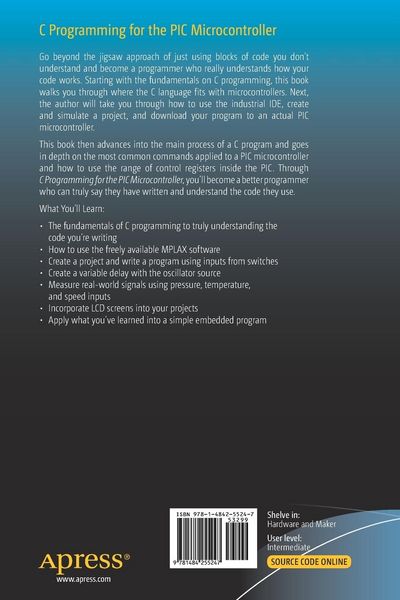
Starting with the fundamentals on C programming, this book walks you through where the C language fits with microcontrollers. Next, you'll see how to use the industrial IDE, create and simulate a project, and download your program to an actual PIC microcontroller.
You'll then advance into the main process of a C program and explore in depth the most common commands applied to a PIC microcontroller and see how to use the range of control registers inside the PIC. With C Programming for the PIC Microcontroller as your guide, you’ll become a better programmer who can truly say they have written and understand the code they use.
What You’ll Learn
- Use the freely available MPLAX software
- Build a project and writea program using inputs from switches
- Create a variable delay with the oscillator source
- Measure real-world signals using pressure, temperature, and speed inputs
- Incorporate LCD screens into your projects
- Apply what you’ve learned into a simple embedded program
Hobbyists who want to move into the challenging world of embedded programming or students on an engineering course.
Ein neues Kapitel für Ihre Bücher
Ein neues Kapitel für Ihre Bücher
Schenken Sie Ihren alten Schätzen ein zweites Leben und erhalten dafür eine Thalia Geschenkkarte.
Noch keine Bewertungen vorhanden
Verfassen Sie die erste Bewertung zu diesem Artikel
Helfen Sie anderen Kundinnen und Kunden durch Ihre Meinung.
Kurze Frage zu unserer Seite
Vielen Dank für Ihr Feedback
Wir nutzen Ihr Feedback, um unsere Produktseiten zu verbessern. Bitte haben Sie Verständnis, dass wir Ihnen keine Rückmeldung geben können. Falls Sie Kontakt mit uns aufnehmen möchten, können Sie sich aber gerne an unseren Kund*innenservice wenden.
zum Kundenservice