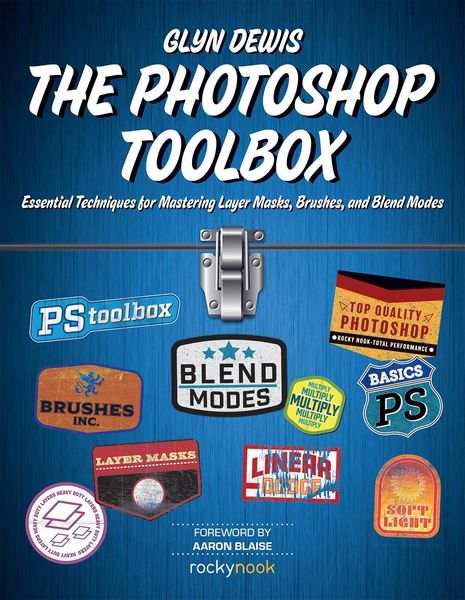
Photoshop Toolbox Essential Techniques for Mastering Layer Masks, Brushes, and Blend Modes
-
- Taschenbuch
- eBook ausgewählt
-
Form:Einzelkauf Download
-
Sprache:Englisch
-
eBook Format:PDF
- PDF 41,99 € ausgewählt
- ePUB 35,49 €
41,99 €
inkl. gesetzl. MwSt.Beschreibung
Produktdetails
Format
Kopierschutz
Ja
Family Sharing
Ja
Text-to-Speech
Nein
Erscheinungsdatum
10.06.2018
Verlag
Rocky NookSeitenzahl
256 (Printausgabe)
Dateigröße
54822 KB
Sprache
Englisch
EAN
9781681983967
In The Photoshop Toolbox, photographer and bestselling author Glyn Dewis breaks down Photoshop into just three main features: layer masks, brushes, and blend modes. Glyn has taught thousands online, in person, and through his bestselling books The Photoshop Workbook and Photograph Like a Thief. Over and over, he has recognized that once a user truly understands these three tools, there is nothing holding them back from achieving whatever they want to accomplish in Photoshop. With Glyn explaining not only the "what" but also the "why" behind layer masks, brushes, and blend modes, you're empowered to think beyond each specific example and to ask that all-powerful question, "What would happen if I used that technique on this other image?"
Written expressly for photographers with little knowledge of Photoshop, in The Photoshop Toolbox you'll learn:
-
.Photoshop basics: Explore Photoshop's Workspace, Tool Bar, Options Bar, Properties, and Layers
-
.Layer masks: Learn the basics of layer masks, as well as specific techniques that incorporate cutouts, removing halos, Content Aware Fill, Look Up Tables (LUTs), and more
-
.Brushes: Brushes are useful for everything from cutouts to creating special effects like snow, debris, grass, and even your own signature
-
.Blend modes: Use blend modes for tricky selections, brightening and darkening an image, and tidying up a layer mask
-
.Additional tips, tricks, and techniques: Glyn devotes an entire chapter to "extra" techniques such as removing reddening skin, creating smoke, matching color, and building depth in your image with contrast, light, and sharpness
Finally, in the last chapter of the book, Glyn brings it all together with a start-to-finish project concentrating on photo retouching skills.
Noch keine Bewertungen vorhanden
Verfassen Sie die erste Bewertung zu diesem Artikel
Helfen Sie anderen Kundinnen und Kunden durch Ihre Meinung.
Kurze Frage zu unserer Seite
Vielen Dank für Ihr Feedback
Wir nutzen Ihr Feedback, um unsere Produktseiten zu verbessern. Bitte haben Sie Verständnis, dass wir Ihnen keine Rückmeldung geben können. Falls Sie Kontakt mit uns aufnehmen möchten, können Sie sich aber gerne an unseren Kund*innenservice wenden.
zum Kundenservice