














































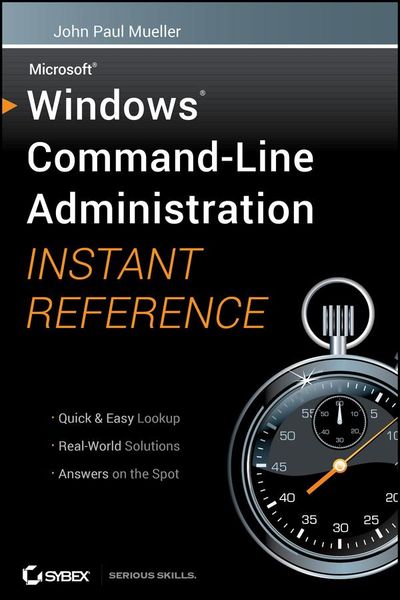
Windows Command Line Administration Instant Reference
-
- Taschenbuch ausgewählt
- eBook
-
Sprache:Englisch
32,99 €
inkl. gesetzl. MwSt.,
Beschreibung
Produktdetails
Einband
Taschenbuch
Erscheinungsdatum
28.09.2010
Verlag
John Wiley & Sons IncSeitenzahl
576
Maße (L/B/H)
22,9/15,6/3,4 cm
Gewicht
675 g
Auflage
1. Auflage
Sprache
Englisch
ISBN
978-0-470-65046-2
Focusing just on the essentials of command-line interface (CLI), Windows Command-Line Administration Instant Reference easily shows how to quickly perform day-to-day tasks of Windows administration without ever touching the graphical user interface (GUI). Specifically designed for busy administrators, Windows Command-Line Administration Instant Reference replaces many tedious GUI steps with just one command at the command-line, while concise, easy to access answers provide solutions on the spot.
* Provides practical examples, step-by-step instructions, and contextual information
* Quick-reference style delivers the commands needed for managing data and the network; working with Active Directory; performing diagnostics and maintenance; and, creating batch files and scripts
* Covers administration for Windows Server 2008 Server Core, Windows Server 2008 (including R2), and Windows 7
Administrators can get more done in less time with CLI than they can with the standard GUI. Compact enough to keep on hand at all times, Windows Command-Line Administration Instant Reference provides administrators with a convenient, fast and simple way to use CLI.
Ein neues Kapitel für Ihre Bücher
Ein neues Kapitel für Ihre Bücher
Schenken Sie Ihren alten Schätzen ein zweites Leben und erhalten Sie dafür eine Thalia Geschenkkarte.
Noch keine Bewertungen vorhanden
Verfassen Sie die erste Bewertung zu diesem Artikel
Helfen Sie anderen Kundinnen und Kunden durch Ihre Meinung.
Kurze Frage zu unserer Seite
Vielen Dank für Ihr Feedback
Wir nutzen Ihr Feedback, um unsere Produktseiten zu verbessern. Bitte haben Sie Verständnis, dass wir Ihnen keine Rückmeldung geben können. Falls Sie Kontakt mit uns aufnehmen möchten, können Sie sich aber gerne an unseren Kund*innenservice wenden.
zum Kundenservice