










































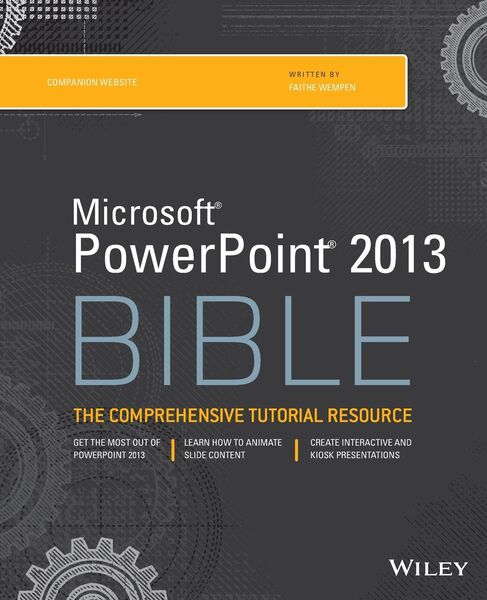
Microsoft PowerPoint 2013 Bible The Comprehensive Tutorial Resource
-
- Taschenbuch ausgewählt
- eBook
-
Sprache:Englisch
37,99 €
inkl. gesetzl. MwSt.,
Beschreibung
Produktdetails
Einband
Taschenbuch
Erscheinungsdatum
01.04.2013
Herausgeber
Faithe WempenVerlag
John Wiley & SonsSeitenzahl
848
Maße (L/B/H)
23,5/19,1/4,5 cm
Gewicht
1539 g
Auflage
4. Auflage
Sprache
Englisch
ISBN
978-1-118-48811-9
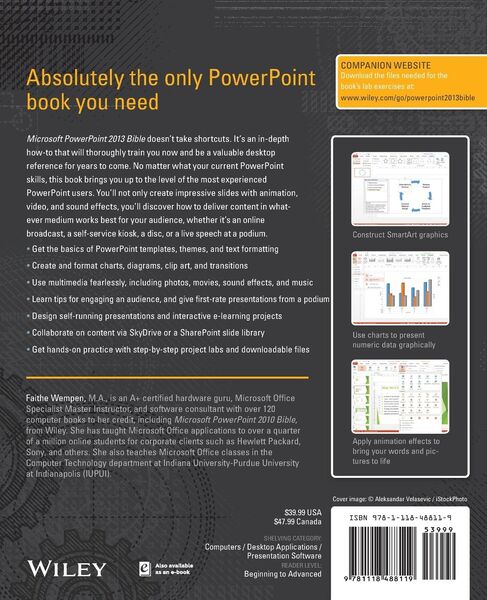
In today's business climate, you need to know PowerPoint inside and out, and that's not all. You also need to be able to make a presentation that makes an impact. From using sophisticated transitions and animation in your PowerPoint presentations to interfacing in person with your audience, this information-packed book helps you succeed. Start creating professional-quality slides that captivate audiences and discover essential tips and techniques for making first-rate presentations, whether you're at a podium or online.
* Combines both the technical software skills and the soft presentation skills needed to be a successful presenter in today's business climate
* Explains PowerPoint 2013's features and tools in detail, so you can create impressive,professional presentations for your job
* Shows you essential formatting techniques, including tables and working with Layouts, Themes, and Masters
* Covers working with drawings and SmartArt, photos, charts, sounds, music, video, and data from other sources
* Explains how to prepare for live presentations and also how to create and present material in the Cloud or online, including e-learning
For compelling, successful presentations in person, in the cloud, or on the web, start with PowerPoint 2013 Bible.
Ein neues Kapitel für Ihre Bücher
Ein neues Kapitel für Ihre Bücher
Schenken Sie Ihren alten Schätzen ein zweites Leben und erhalten Sie dafür eine Thalia Geschenkkarte.
Noch keine Bewertungen vorhanden
Verfassen Sie die erste Bewertung zu diesem Artikel
Helfen Sie anderen Kundinnen und Kunden durch Ihre Meinung.
Kurze Frage zu unserer Seite
Vielen Dank für Ihr Feedback
Wir nutzen Ihr Feedback, um unsere Produktseiten zu verbessern. Bitte haben Sie Verständnis, dass wir Ihnen keine Rückmeldung geben können. Falls Sie Kontakt mit uns aufnehmen möchten, können Sie sich aber gerne an unseren Kund*innenservice wenden.
zum Kundenservice